
Loyalty cards for Loyverse POS
Give your Loyverse till a loyalty card customers keep on their phone. Every paid receipt adds stamps, points or cashback to their card in Apple or Google Wallet, seconds after payment.
- Connect onceFrom Loyalius, no new hardware
- Refunds reverseStamps come back off by themselves
- 30 days freeNo card needed to start
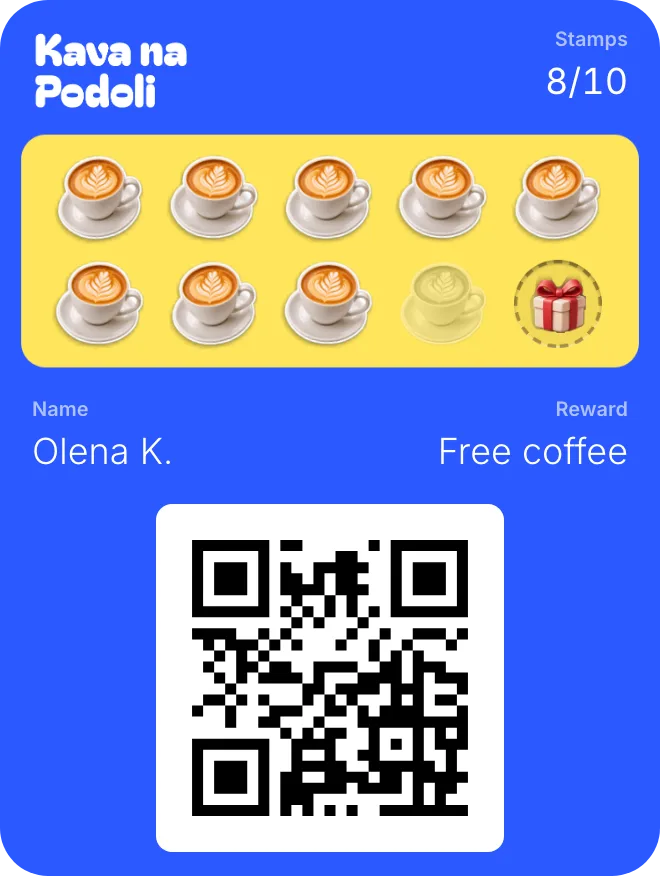


From receipt to stamp. Nobody taps twice.
Your staff keep using Loyverse as they do now. Loyalius picks up each paid receipt and fills the card.
A customer pays
The cashier adds the customer to the receipt and takes payment. You choose which items earn.
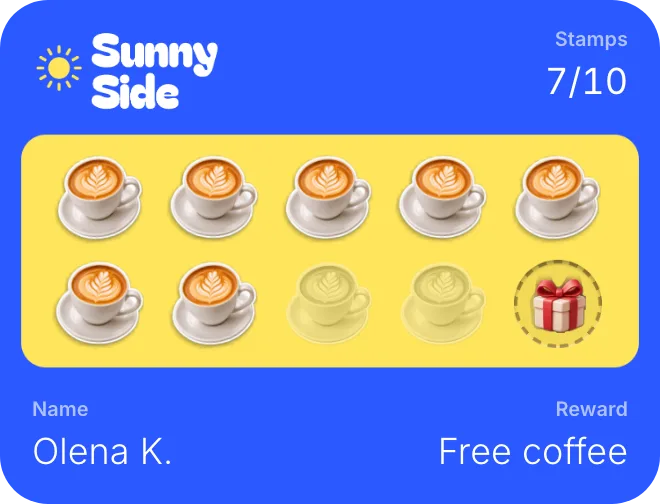
The card fills itself
Seconds after payment, the card goes from 6 to 7 stamps. The customer’s note in Loyverse shows the new balance.
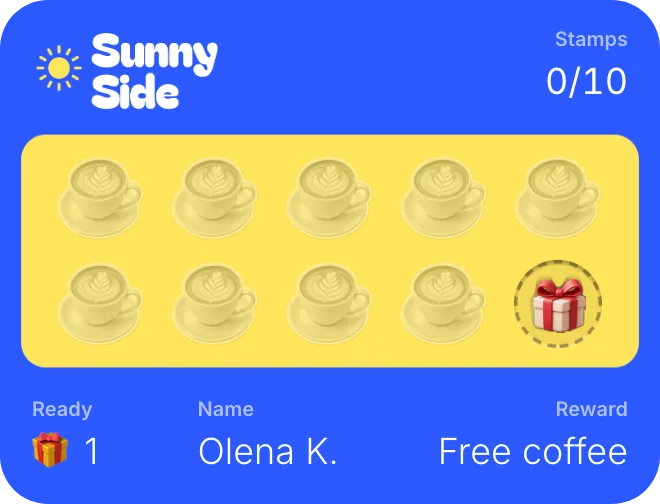
The reward is a discount
The cashier taps the Loyalius discount. On a cashback card, Loyverse’s own “Redeem points” spends the balance.
Stamps, points or cashback. The till fills them all.
Pick the card that suits your shop. Every paid sale fills it the same way, and staff give the reward at the till.
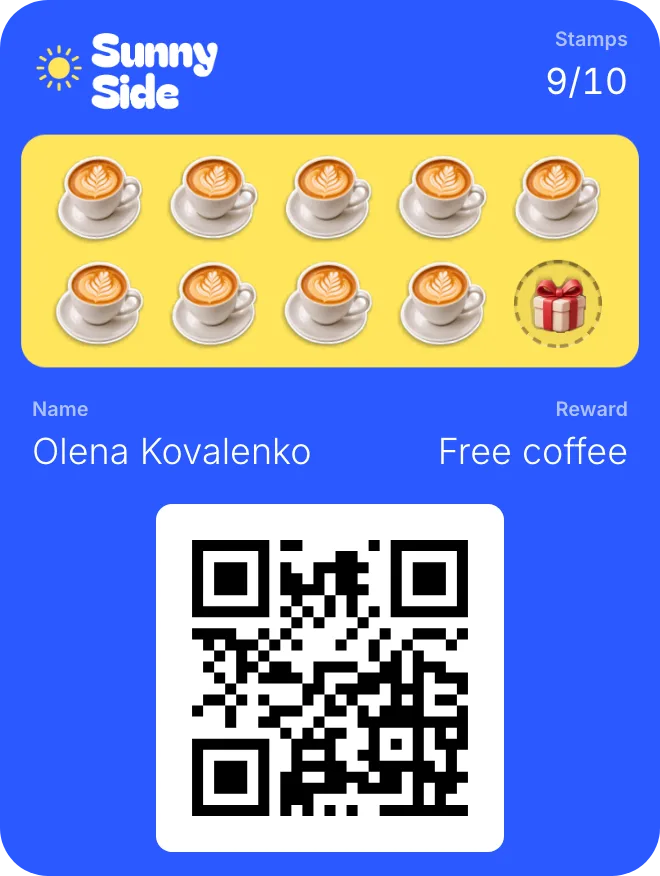
Stamp card
- Earns
- One stamp per paid receipt, or per item you pick.
- At the till
- The cashier taps the Loyalius discount on the free item.
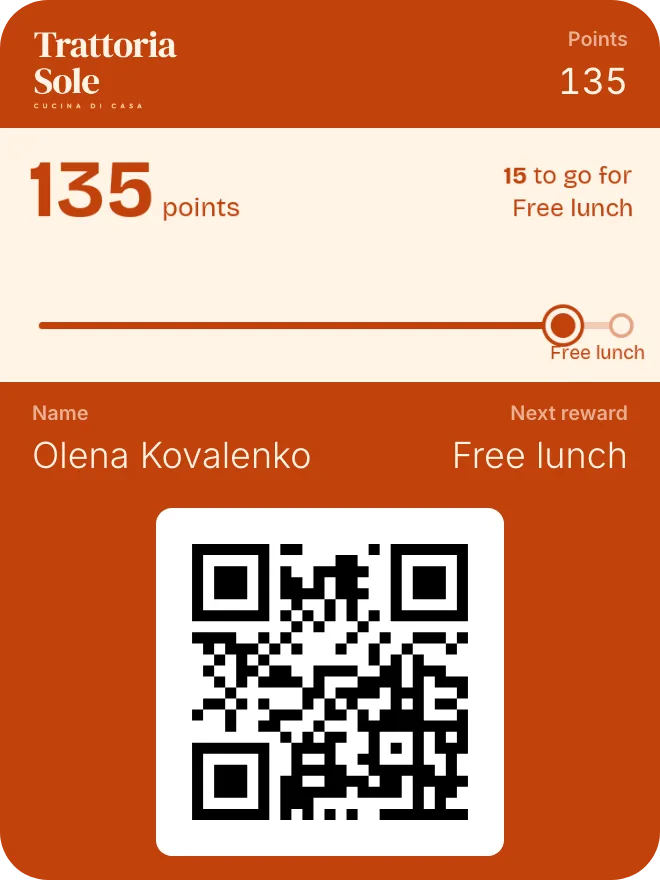
Points
- Earns
- Points for the amount spent, or per item you pick.
- At the till
- Each reward is a Loyalius discount the cashier taps.
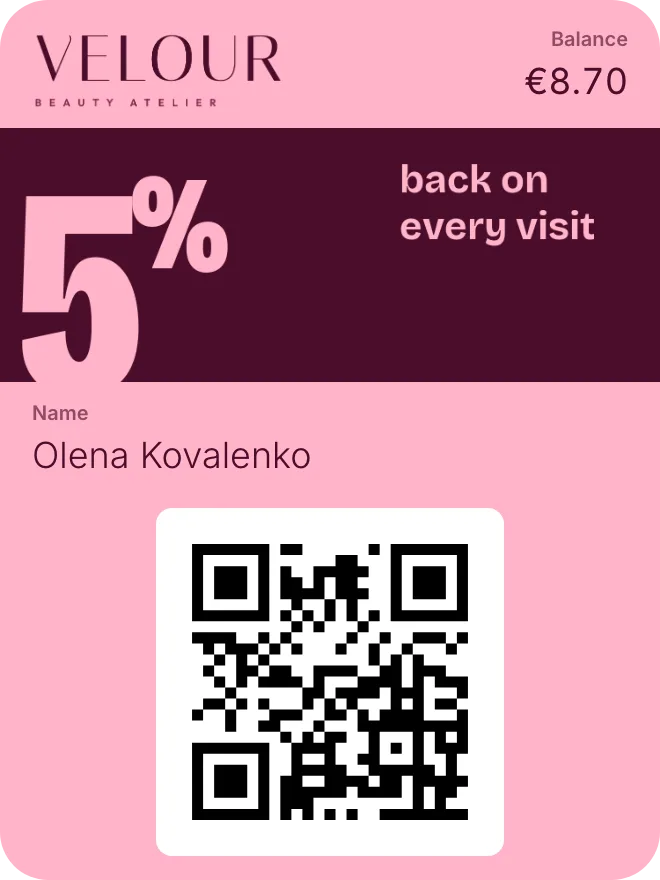
Cashback
- Earns
- A share of each receipt back as credit for the next visit.
- At the till
- Loyverse’s own “Redeem points” spends the credit.
Prepaid cards don’t connect to a till yet. Staff serve those with any phone.
What changes at the counter. Very little.
For your cashier
- Find the customer on the receipt. Their balance is in the customer note in Loyverse.
- Take payment as usual. The stamps land on their own.
- To give a reward, tap the Loyalius discount, or “Redeem points” on a cashback card.
- Refund as usual. The stamps from that receipt come back off the card.
For your customer
- Scan the QR poster on the counter. No app, no form at the till.
- Add the card to Apple Wallet or Google Wallet.
- See the new stamp seconds after paying, in every store.
- Get a message when a reward is close, on their birthday, or when they haven’t been in for a while.
Loyverse alone, or with Loyalius.
Loyverse POS is a free till app, used in more than 170 countries by Loyverse’s own count. Want only a simple % back? Its free points do that.
| Topic | Loyverse alone | With Loyalius |
|---|---|---|
| Earning | A % of each purchase as points | Stamps, points or cashback, on the items you pick |
| The card | A barcode loyalty card | A card in Apple Wallet or Google Wallet that updates itself |
| Joining | At the till | From a QR poster on the counter, no app |
| Rewards | Redeem points as a discount | A Loyalius discount, or “Redeem points” for cashback |
| Messages | No built-in campaigns or reminders | Near a reward, birthdays, “we miss you” |
| Stores | Points work in every store | Each store is a location; one card everywhere |
Find out more about the till at Loyverse POS.
Loyverse questions.
Still unsure? We set up your first card and poster with you.
On a cashback card Loyalius uses them: the balance sits in Loyverse’s points, so “Redeem points” works as before. On a stamp or points card, the reward is a Loyalius discount.
Other ways to connect
Your Loyverse, now with regulars.
Set up your first loyalty card in minutes. 30 days free, no card needed.